F56 front brake in 3D
My F56 as a hologram you can pull apart, one section at a time. Tap a part for its repair photos, torques, specs and wiring. The driver's front brake came first and the battery is next, the start of the engine bay.
How to use it
It runs in the browser, on a phone too. Drag to orbit, pinch or scroll to zoom.
- Tap the front wheel or the battery. That section pulls apart. Where there's a torque, the label carries it. Front brake and Battery at the top jump between them, and Assemble puts one back together.
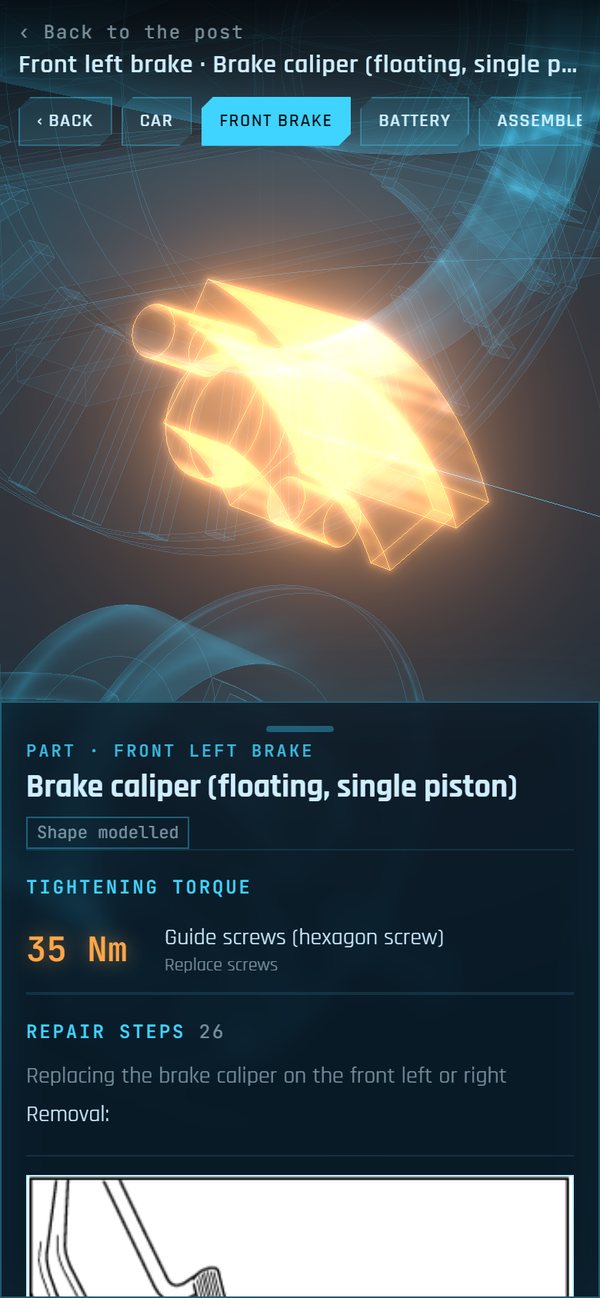
- Tap a part or its label. Its card has the torque, the specs, the pins and wire colours for anything wired, and every repair step that mentions the part, photo included. Tap a photo for full size. On a phone the card is a sheet along the bottom; tap its handle to make it taller.
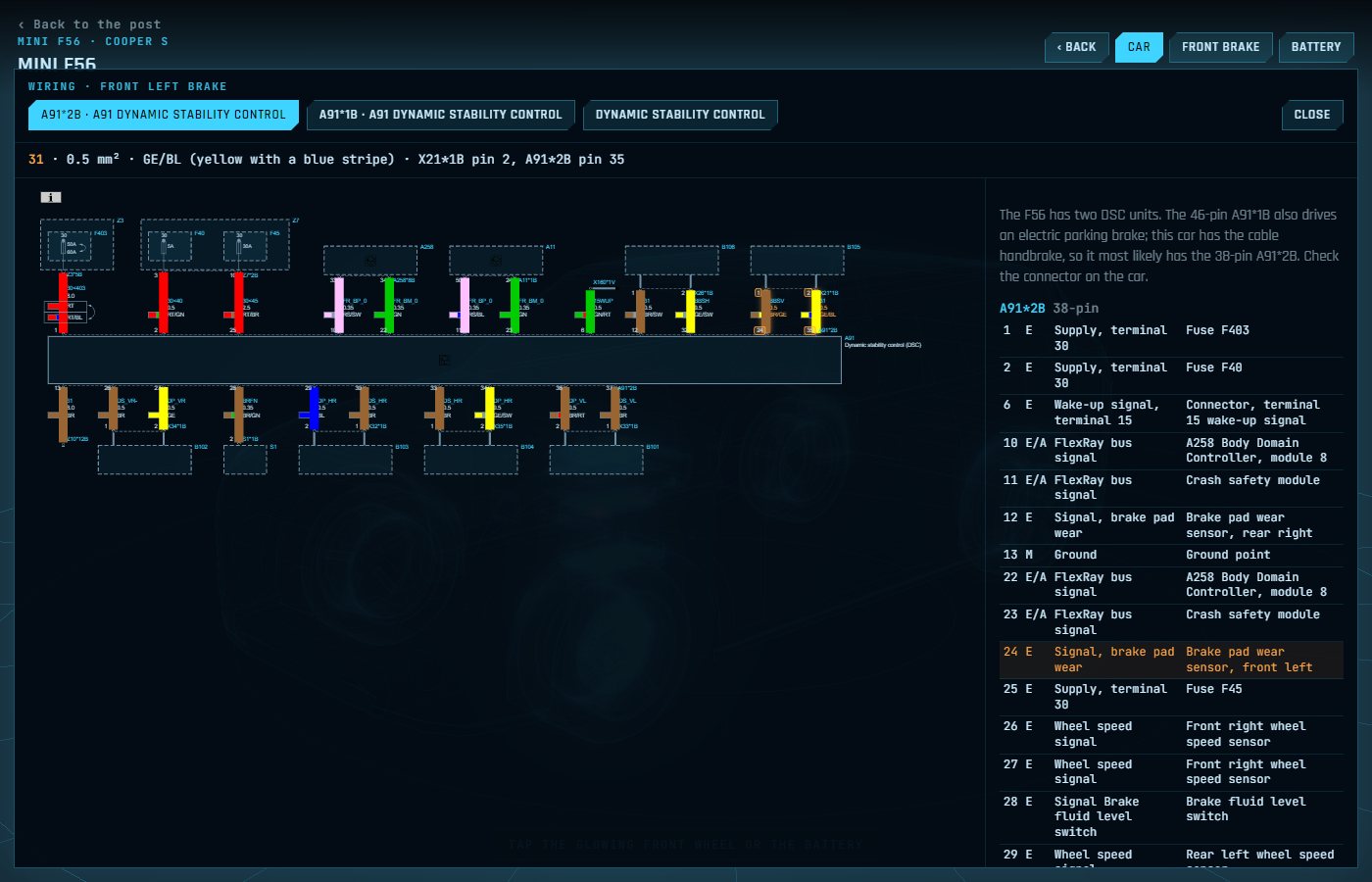
- Wiring draws the diagrams in the wires' real colours. Tap a pin in the table and its wire lights up on the diagram; tap a wire and its pin lights up in the table.
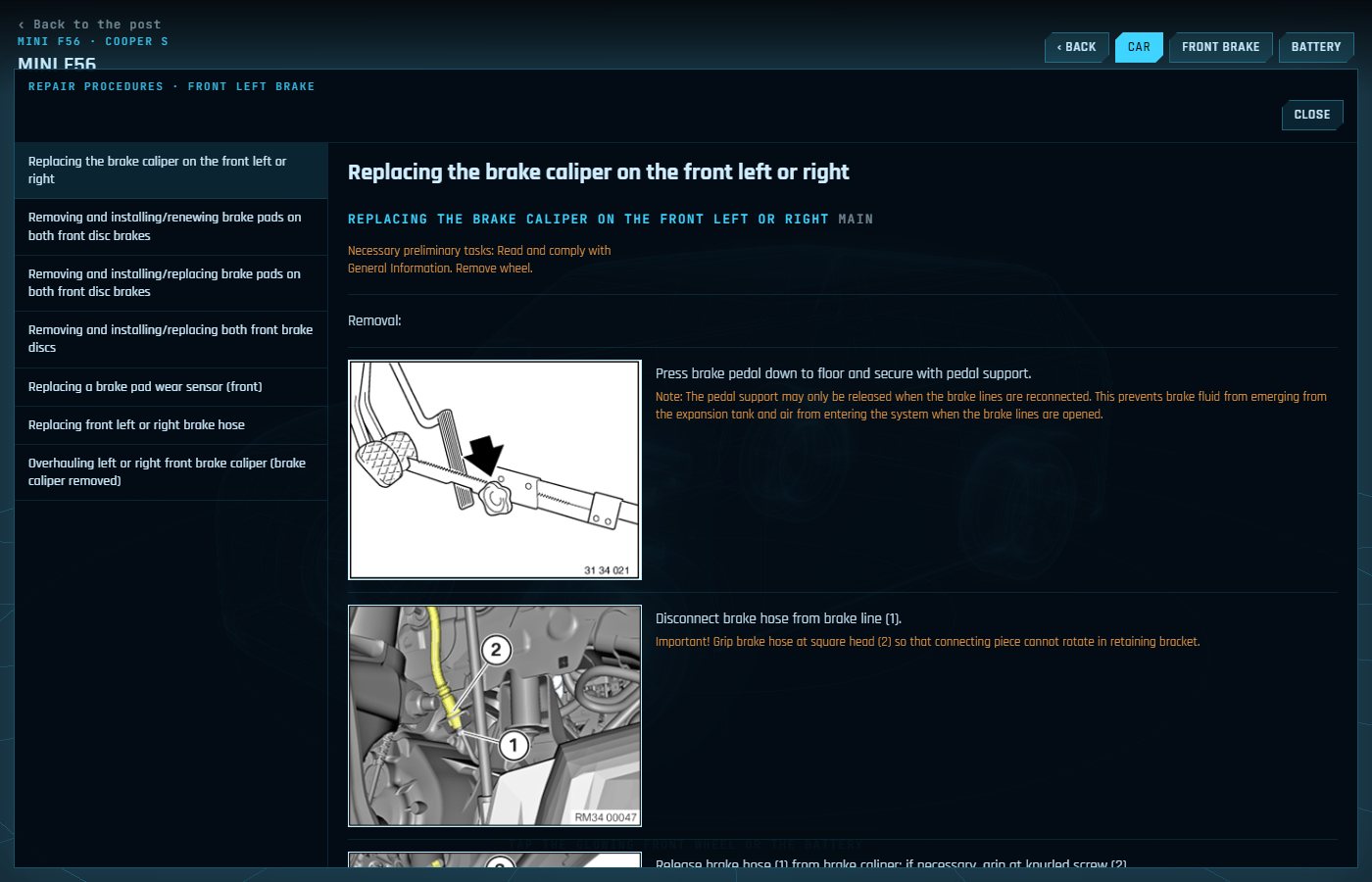
- Procedures has every repair procedure for the section in full.
- Back, Esc or the browser's back button step out one view at a time. Back to the post at the top left comes back here.
Jump to a part
Each one opens the explorer straight on that view.
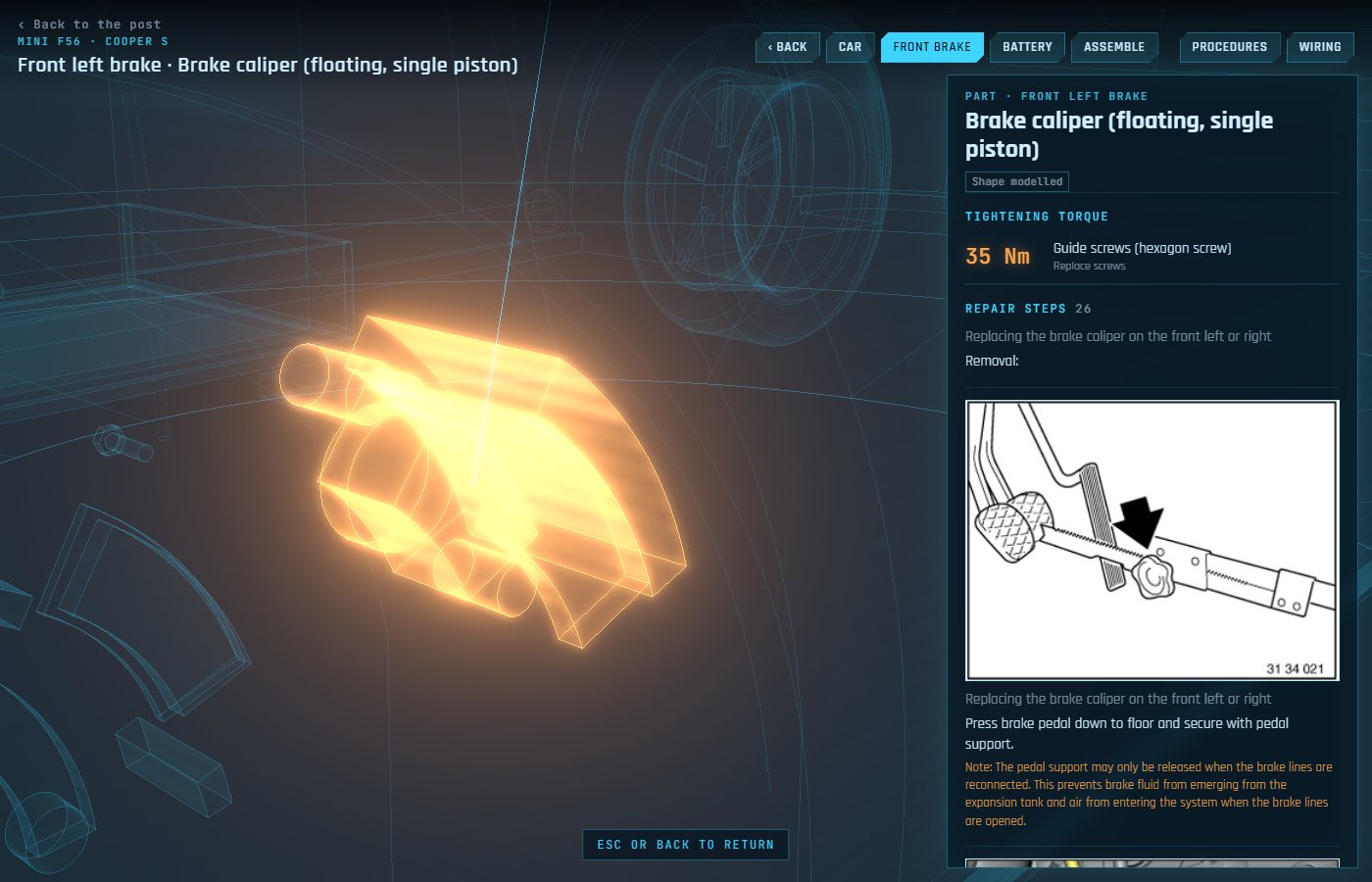
Floating, single piston, the Cooper S caliper. Guide bolts 35 Nm.
Open › Brake padsThe pad change step by step. Wear warning at 3.7 mm of pad left.
Open › Brake discDisc to hub 16 Nm. Minimum thickness stamped on the disc: 20.4 mm.
Open › Caliper carrierCaliper to steering knuckle 110 Nm, M12x1.5, new bolts every time.
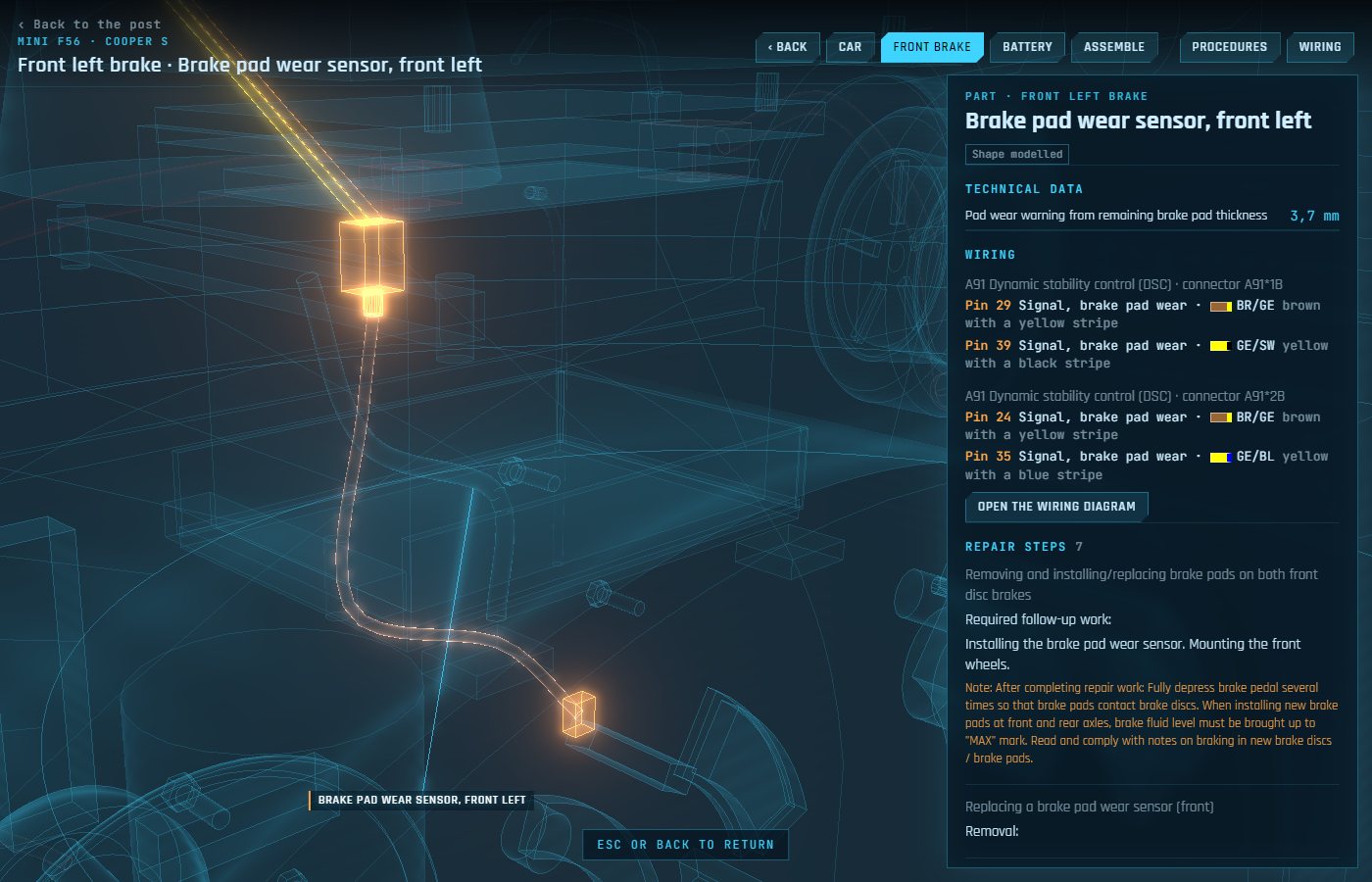
Open › Pad wear sensorIts pins on the DSC connector and the swap procedure.
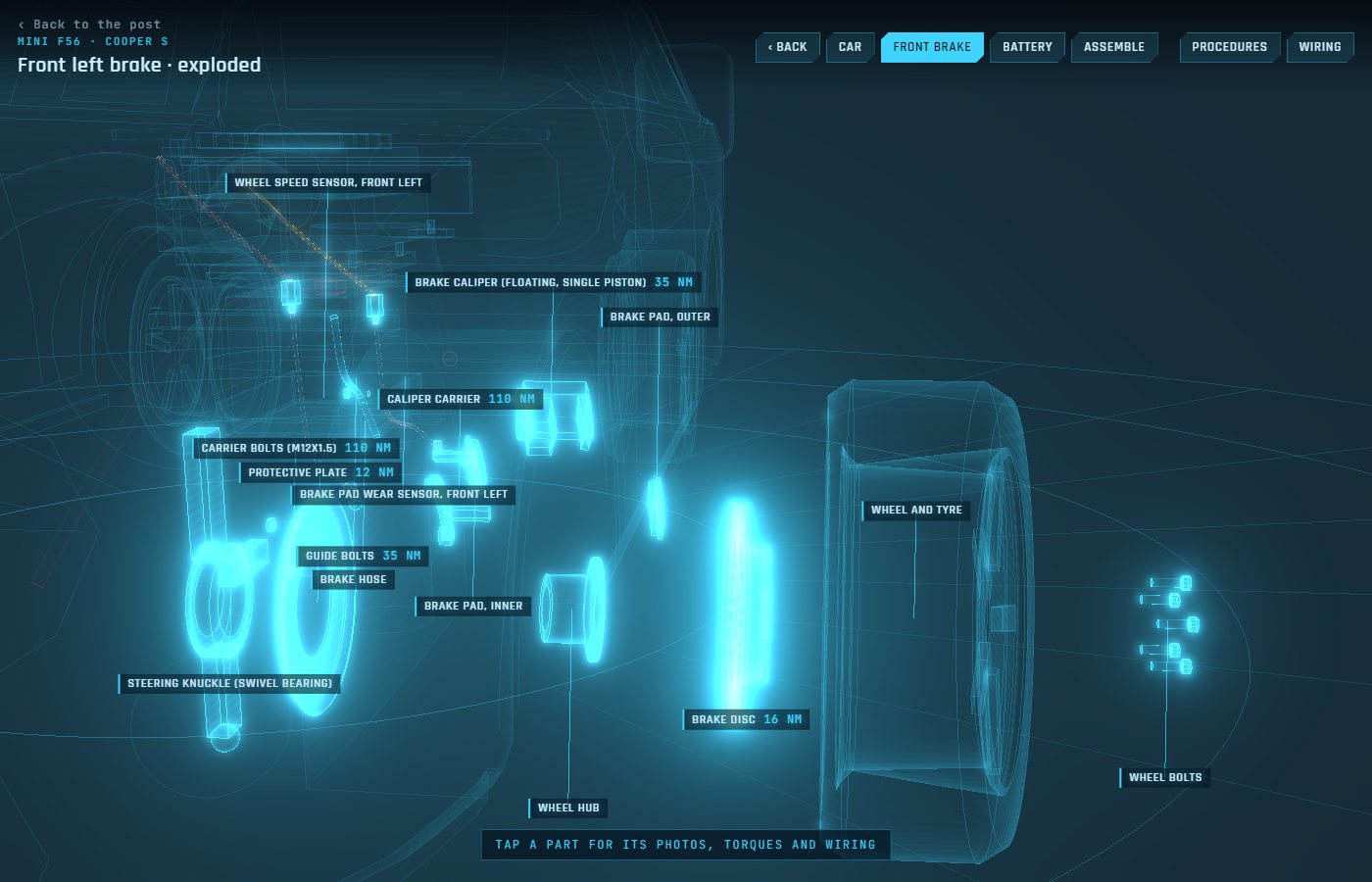
Open › The whole brakeAll 15 parts pulled apart and labelled.
Open › DSC wiringThree diagrams for the DSC unit and both pin tables.
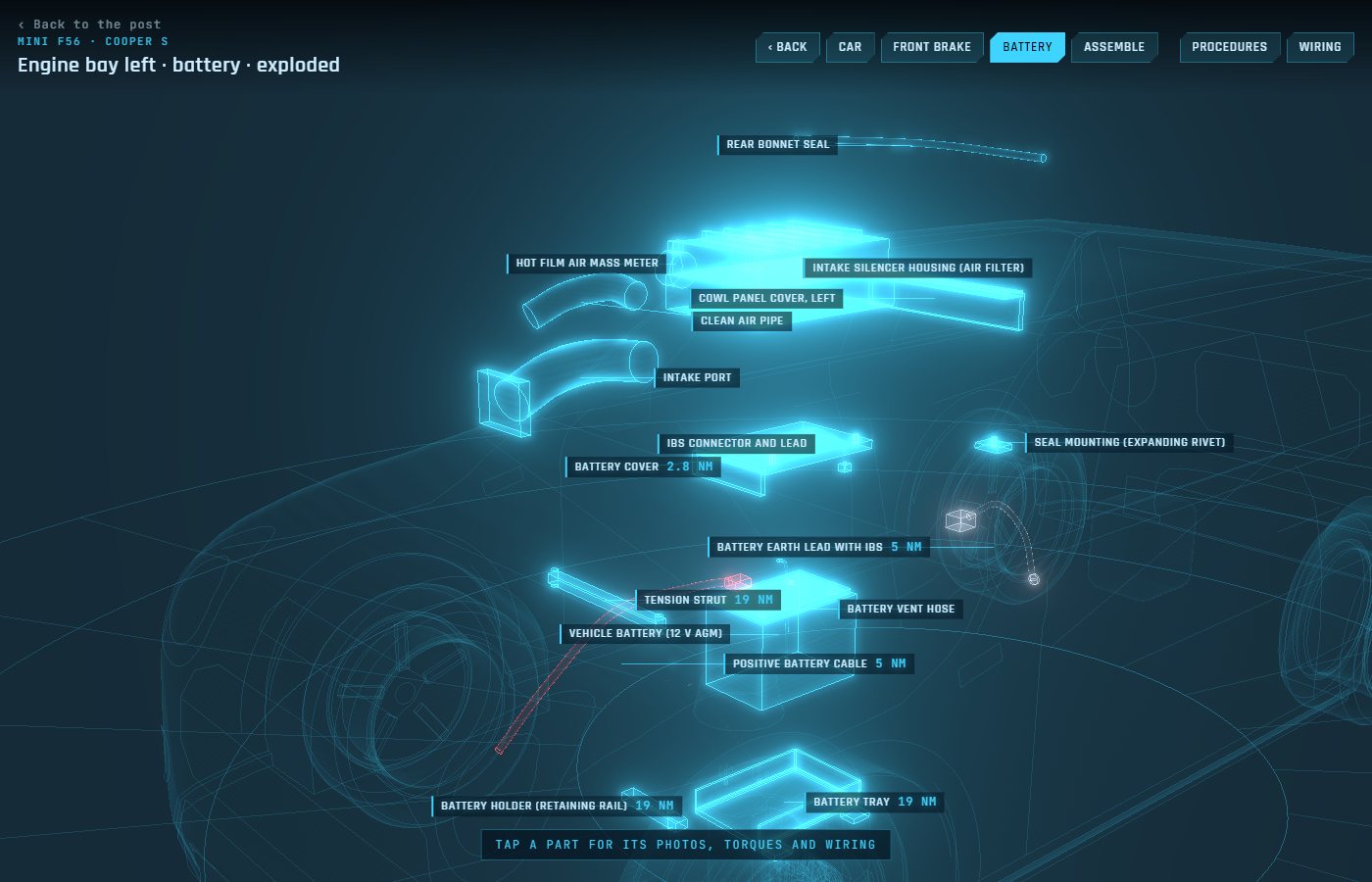
Open › BatteryUnder the air filter housing at the back left of the engine bay. Terminal clamps 5 Nm. Register the new one after fitting it.
Open › Battery tension strutAcross the front of the battery, 19 Nm to the tray.
Open › Battery proceduresRemoving and fitting it, the earth lead, the positive cable.
Open ›The 3D
The parts are modelled for now, and so is the F56 body around them.
Every part goes through the same hologram look: a see-through fill that glows at its edges, scanlines and bright outlines. Modelled or scanned, they render the same, so 3D scans of the real parts can swap in one at a time without anything looking out of place.
Where it's at
- Disc size. Two sizes fit the F56, 280 x 22 and 294 x 22 mm. The model draws 294 until I measure mine.
- DSC unit. A look at the connector settles 38-pin against 46-pin.
- Wheel speed sensor. It's in the model with its DSC pins, but no repair steps cover it yet.
- The engine bay. The battery is the first section on the gearbox side. The gearbox, the power distribution box and the starter come next.