R53 JARVIS · PUBLIC DEMO
A front corner you can pull apart.
This is the first public R53 Jarvis demo. Start with the R53 car view, then explore the driver's front wheel and brake assembly. The selected reference is a factory-style 17-inch R85 eight-spoke wheel. Rotate the car, separate the corner, and tap a component to inspect it.
No account or app purchase is needed to try this demo.
Try the corner
- Rotate and zoom. Drag the model to orbit. Scroll to zoom, or pinch on a phone.
- Pull it apart. Choose Explore the corner to separate the wheel, brake and suspension groups. Use Assemble to see them fitted together.
- Inspect a part. Click or tap a label or shape. The card names the part and shows confirmed replacement references where available.
- Put it together. Use Back or Esc, then Assemble. The separate full-screen link is useful on a phone.
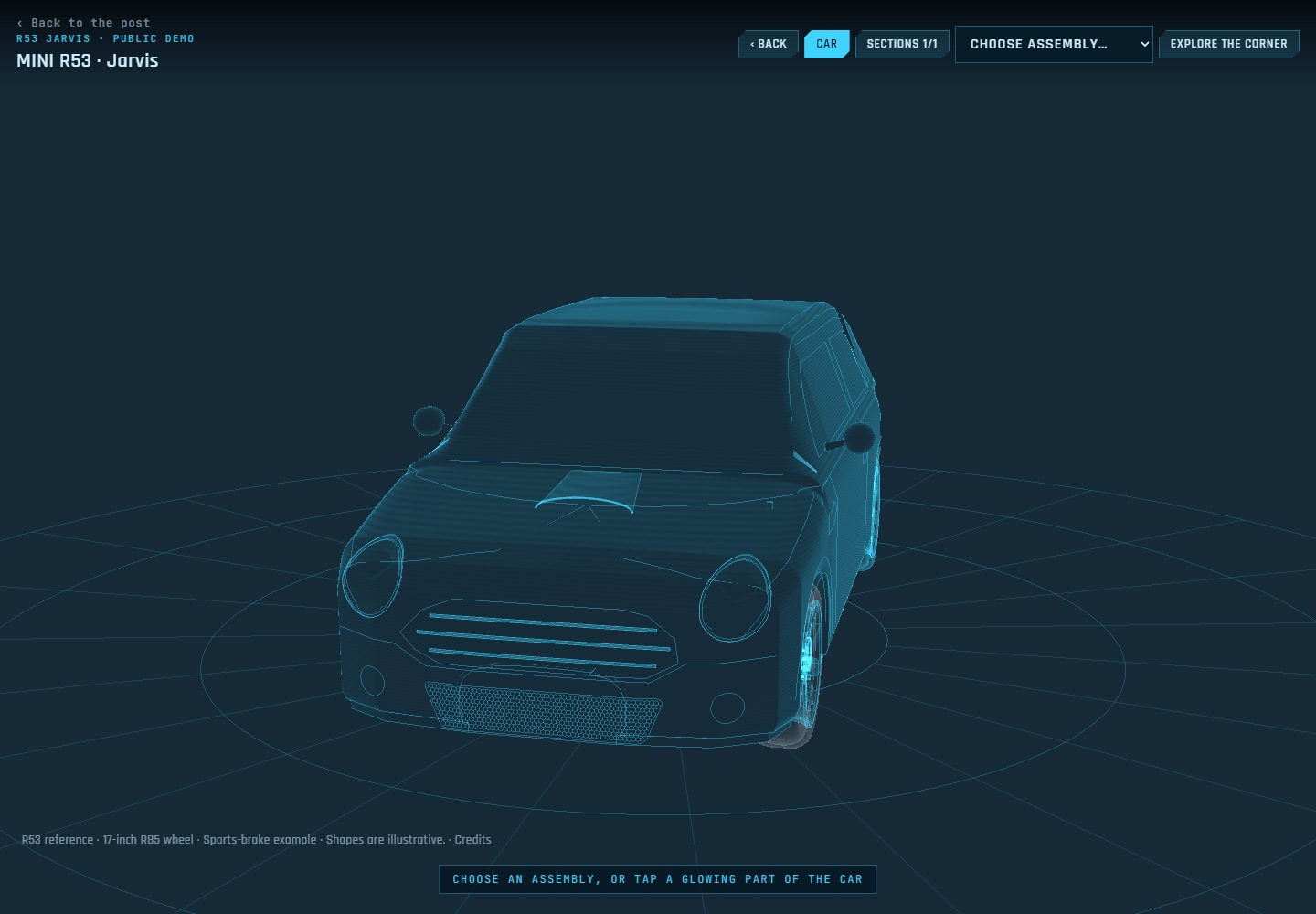
The R53 car view
The bonnet-mounted lenses now follow the body surface, and the lower opening has a mesh grille. The rest of the car provides context; the driver’s front corner is the interactive section in this public demo.
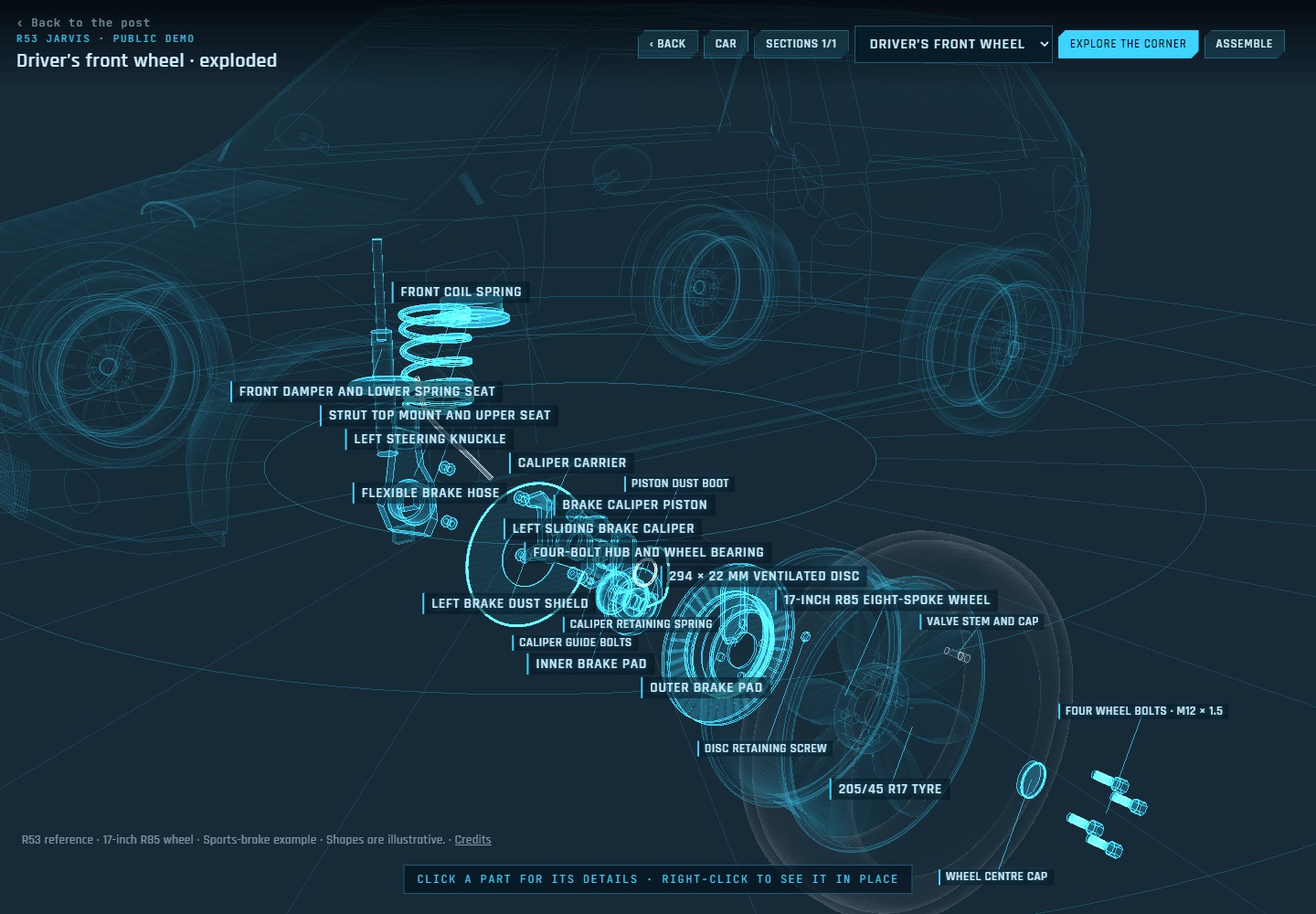
What is modelled
The wheel has curved spokes, a shaped barrel, open bolt holes and a separate tyre. Behind it are the ventilated disc and hat, four-bolt hub, dust shield, caliper carrier, pads, piston, guide hardware and brake hose. The knuckle, strut, spring and upper mount put the corner in context.
Where it is at
This public build is focused on one front corner. The car shell and unverified casting details are still approximate. Other interactive sections will be added as their geometry is checked.